Agentforce Revenue Cloud : A Complete Hands-On BRE Practice Project
A practical, end-to-end project designed to build real skills with Business Rules Engine (Decision Matrices, Tables & Expression Sets). Perfect for anyone preparing for Revenue Cloud roles or certifications.
"MD" - Maruthi Dronamraju
What is Business Rules Engine
Salesforce Business Rules Engine (BRE) is a declarative, metadata-driven framework that centralizes complex logic used across various functions in Revenue Cloud. It consists of three core components, each serving a unique purpose.
Decision Matrices return a single best-match result based on prioritized conditions, making them ideal for selecting discount tiers, eligibility rules, or rate lookups.
Decision Tables evaluate multiple rows and can return multiple outputs, which is useful for fee calculations, surcharges, and assembling multiple attributes for a transaction.
Expression Sets act as the orchestration layer, allowing you to build multi-step logic using expressions, formulas, comparisons, and calls to matrices or tables.
Together, these components externalize logic out of Apex, standardize decisioning, and provide a governed, scalable foundation for quoting, pricing, and revenue workflows.
Using the following use case, we will systematically construct and test Decision Matrices, Decision Tables, and Expression Sets to understand how each component behaves in a real BRE execution flow.
BRE Use Case
To make this hands-on project practical and easy to follow, we’ll use a simple real-world scenario as our foundation.
Vaylo Corporation defines product pricing based on the region in which each product is sold. Their catalog is structured across three global regions AMER, EMEA, and APAC and they maintain distinct volume-based discount tiers for each region to ensure accurate and region-specific pricing. Vaylo Corporation wants to streamline its pricing logic using Salesforce BRE to achieve these core objectives.
Maintain accurate, region specific base pricing for all their products
Define structured, volume-based discount tiers for specific regions
Automatically apply the appropriate discount to calculate the final product price for a given region
We’ll address each of these objectives using the appropriate BRE component: a Decision Matrix to store and retrieve base pricing, a Decision Table to manage volume-based discount tiers, and an Expression Set to combine the logic and calculate the final discounted price.
With that context in place, let’s jump in and start building.
1. Decision Matrix
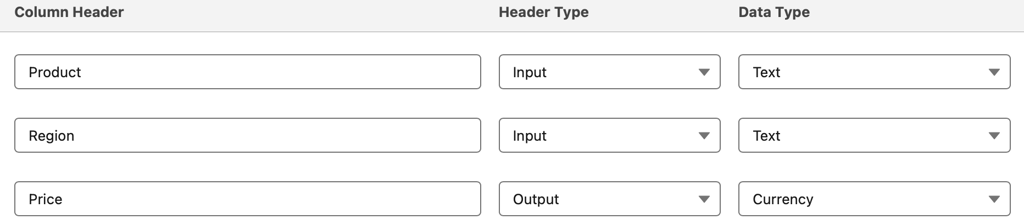
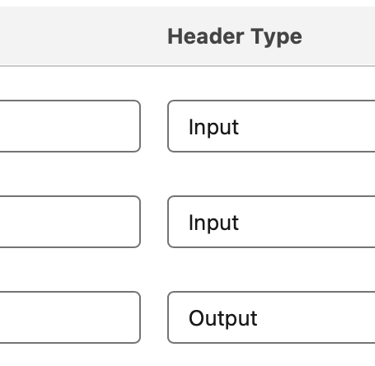
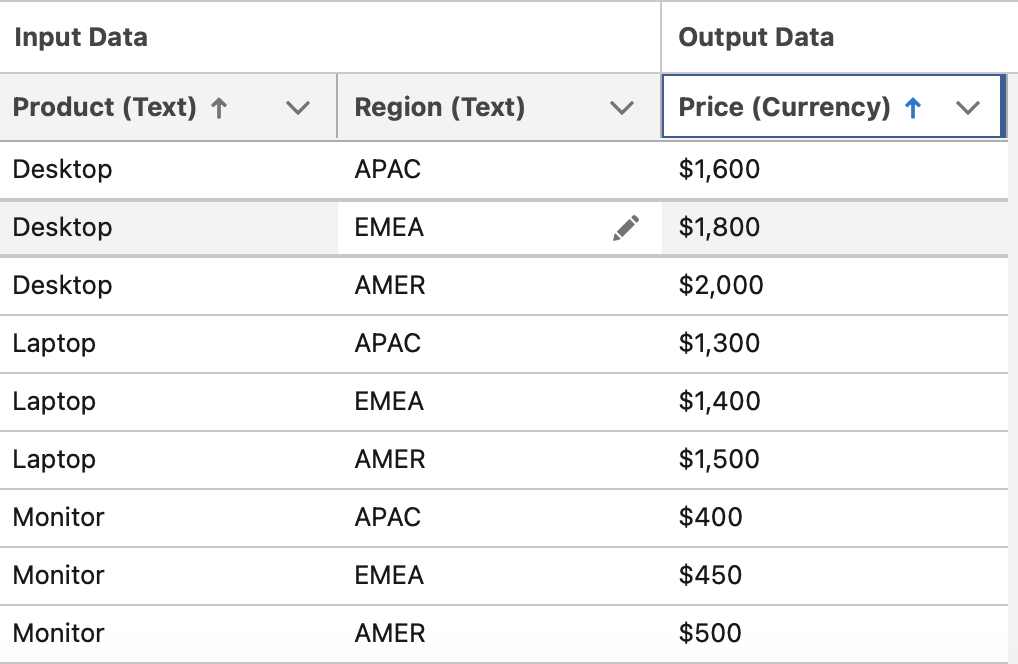
Let’s start by defining a Decision Matrix with two input columns and one output column to track region-specific base pricing for each product.
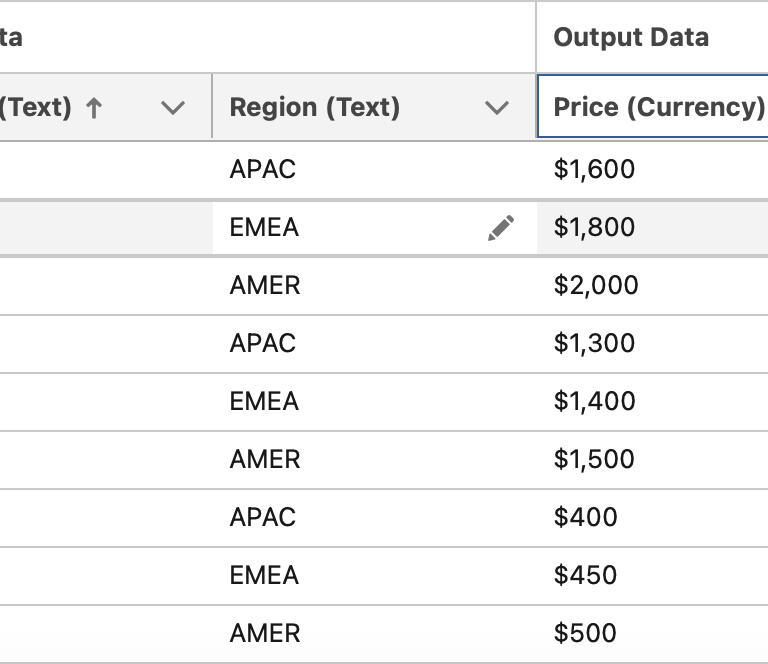
This matrix uses Product and Region as its input conditions and returns a single Price value as the output. We’ll configure the matrix with these fields and populate it with sample rows of data. Later, we’ll reference this Decision Matrix from an Expression Set to retrieve the correct base price for a given product in a specific region.
*** In Agentforce Revenue Cloud, base pricing is typically maintained in a Decision Table called Price Book Entries. For the purposes of this practice project, we’re simplifying the scenario by modeling base pricing through a Decision Matrix, which keeps the exercise focused and easier to follow.
Create a Standard Decision Matrix with these following columns and populate sample data
2. Decision Table
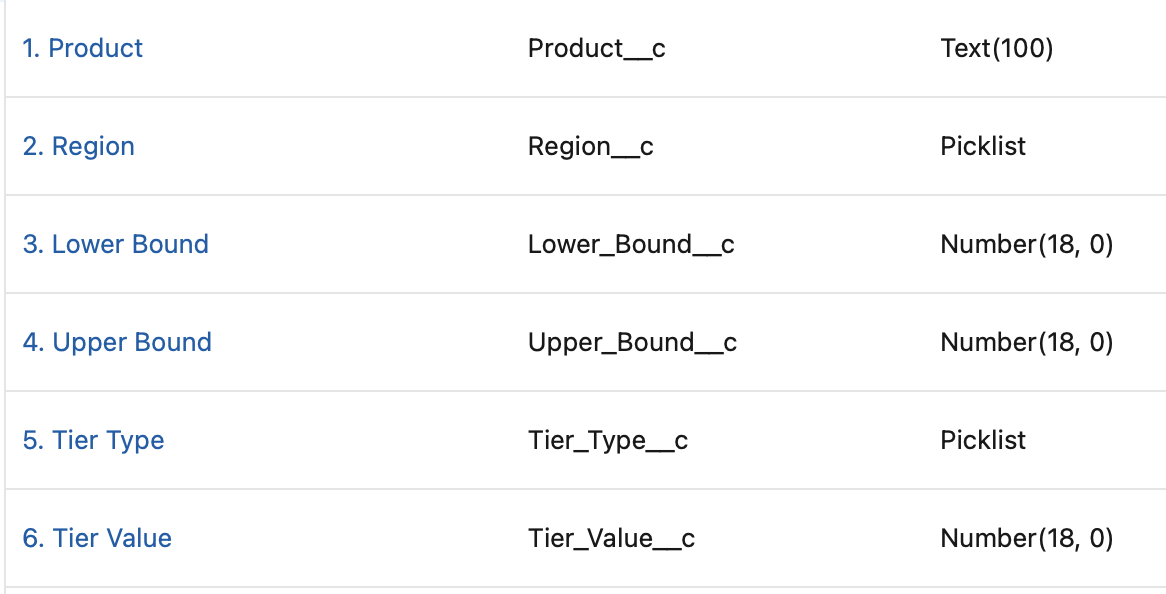
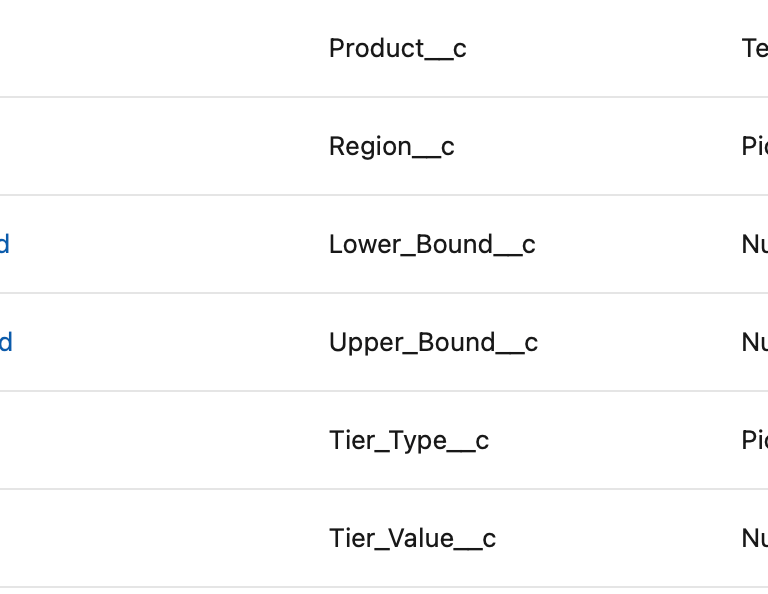
Let’s begin by creating a custom object named Tier Discounts, which will serve as the repository for all volume-based discount rules. This object will include the fields listed below, and the Tier Type picklist will support three discount methods: Amount, Percentage, and Override. The Region picklist will support three regions: AMER, EMEA, and APAC.
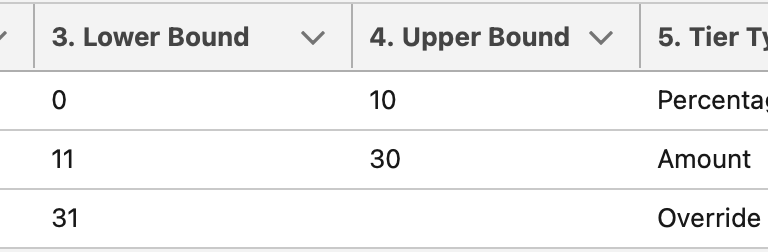
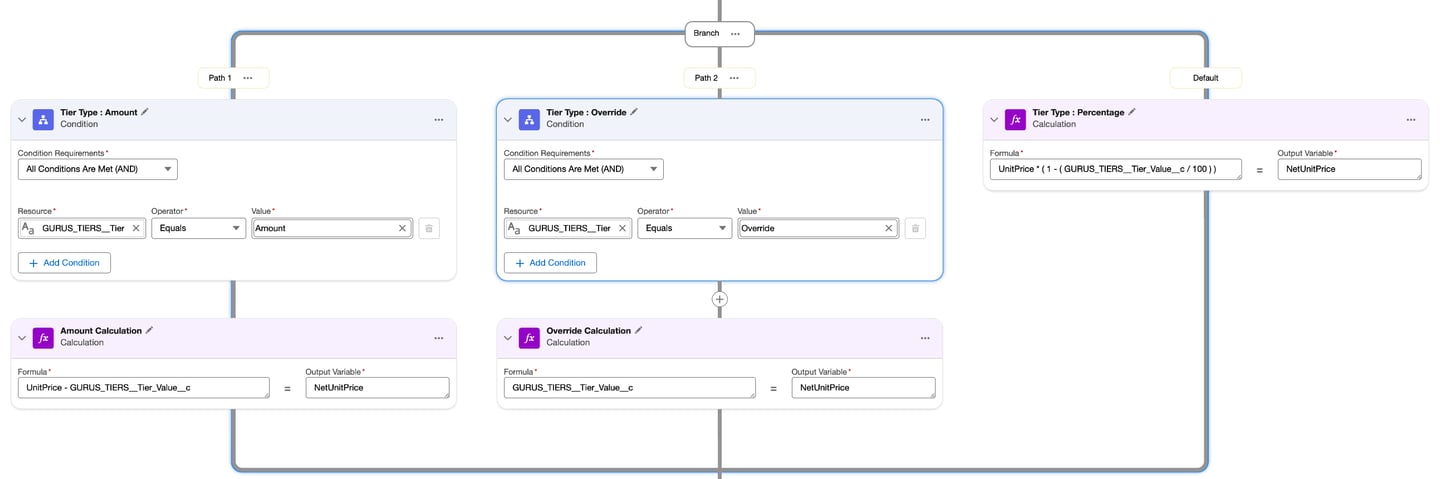
In this scenario, we've loaded three discount tiers for Desktop product in AMER region - each using a different discount type to simulate a variety of pricing rules. When the Tier Type is Override, the NetUnitPrice for the product is replaced entirely with the Tier Value. When the Tier Type is Amount, the NetUnitPrice is reduced by the specified Tier Value. And when the Tier Type is Percentage, the NetUnitPrice is reduced by the corresponding percentage defined in the Tier Value field.
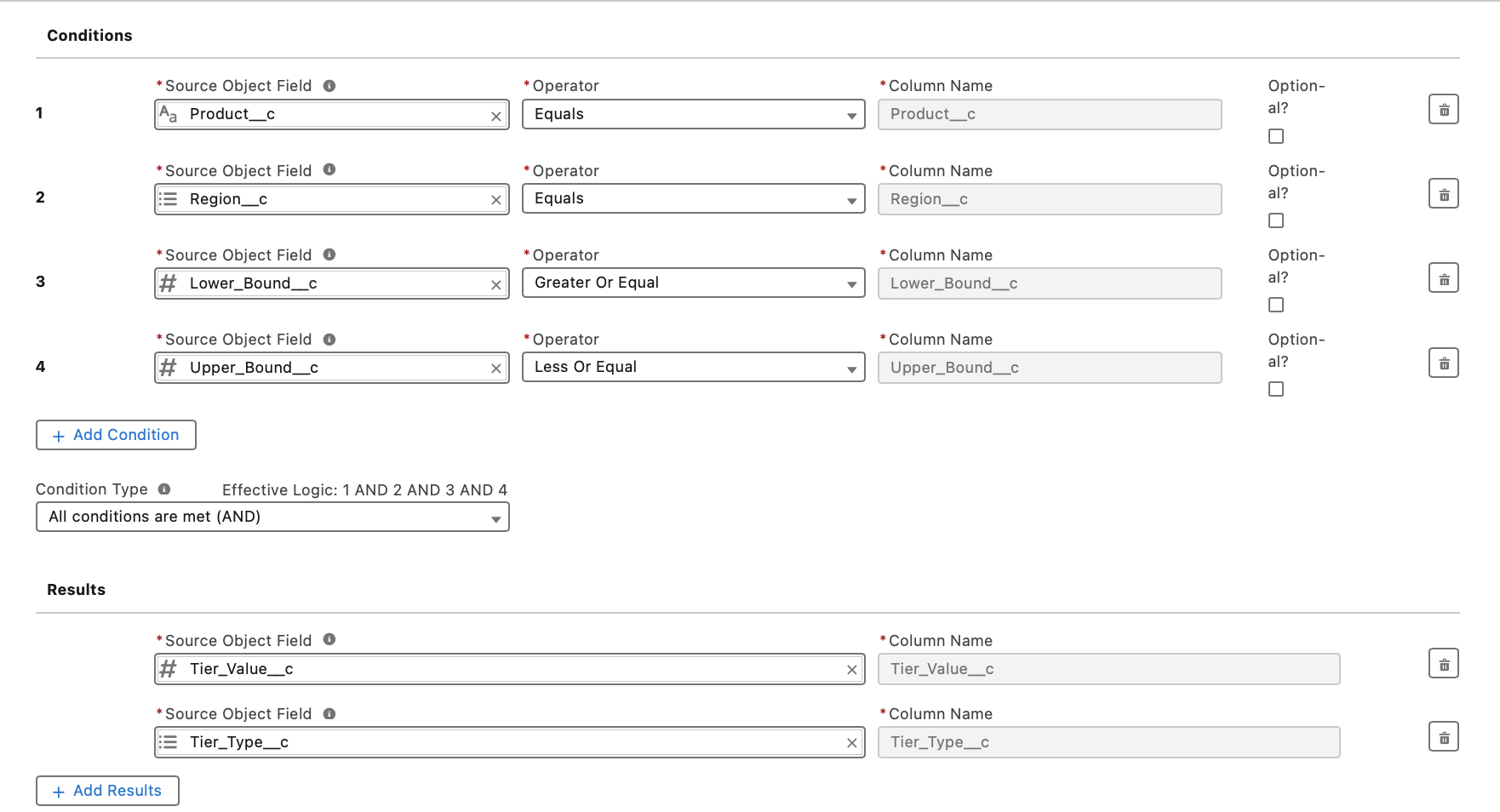
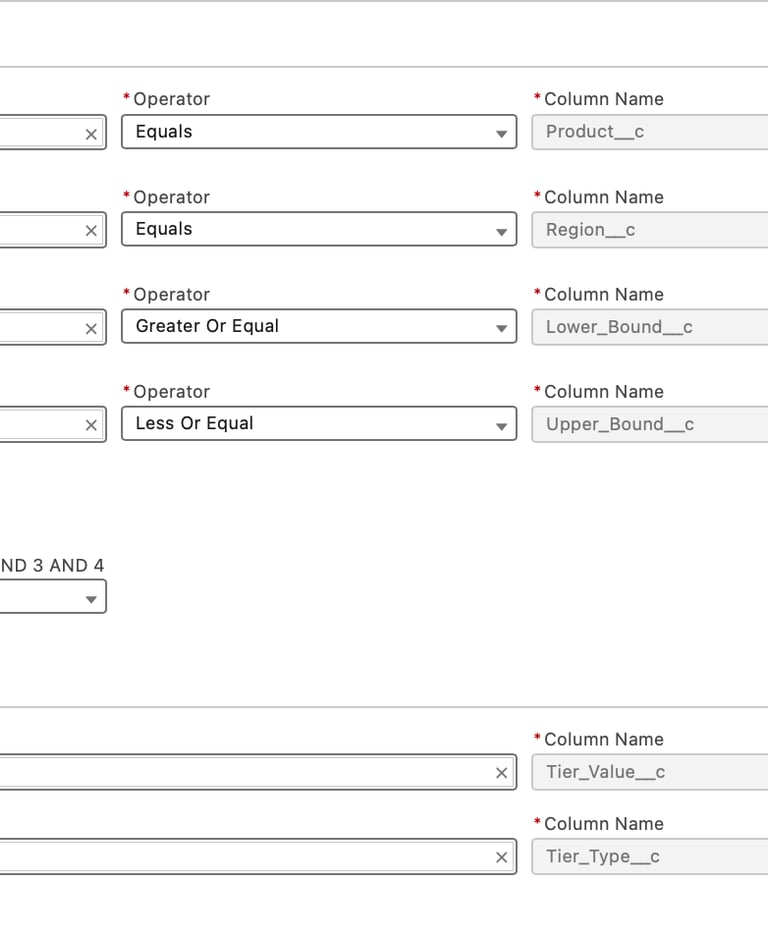
Let’s now create an advanced Decision Table with the following Conditions & Results
*** In Agentforce Revenue Cloud, volume discount tiers are typically maintained in a Decision Table called Tiered Adjustment Entries. For the purposes of this practice project, we’re simplifying the setup by creating our own custom Decision Table to model volume discounts. This approach keeps the exercise focused, easier to follow, and aligned with the core mechanics of BRE.

3. Expression Set
Let’s start by creating a new Expression Set to compute volume discounts.
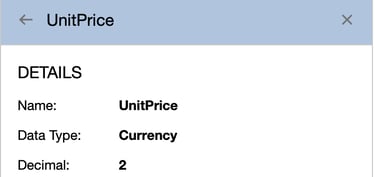
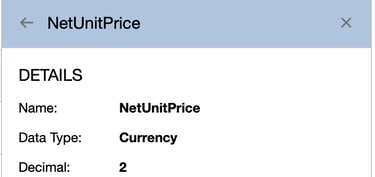
Add the following two local variables to the Expression Set.
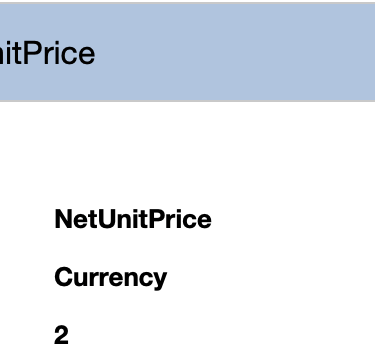
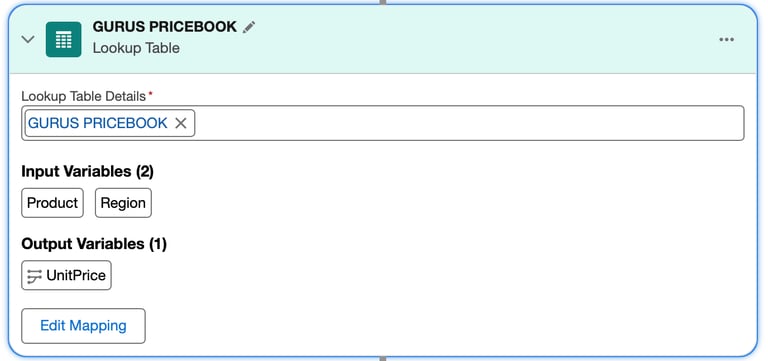
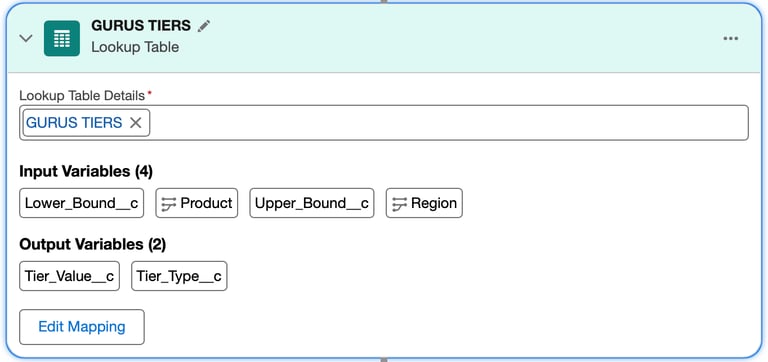
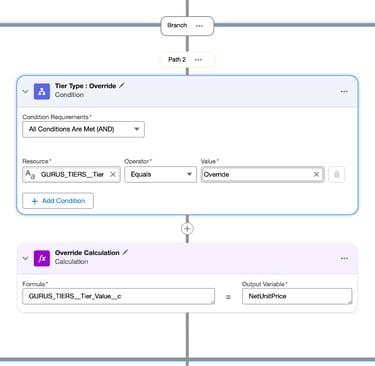
Add the Decision Matrix (created in Step 1), the Decision Table (created in Step 2), and a Branch step to the Expression Set. Then, configure the input and output mappings so that the Price returned from the Decision Matrix is mapped to the local variable UnitPrice, and the Region and Product values are mapped to their corresponding local variables, as illustrated in the screenshots below.
*** In Agentforce Revenue Cloud, base pricing logic is typically maintained within Pricing Procedures, which are a specialized type of Expression Set (with the usage type set to Pricing or Pricing Discovery). For this practice project, we’re simplifying the scenario by modeling the base price calculation through a custom Expression Set. This keeps the exercise focused, easier to follow, and centered on understanding the core mechanics of BRE.
4. Testing
Now let's test all 3 scenarios covering Tier Type Amount, Override and Percentage
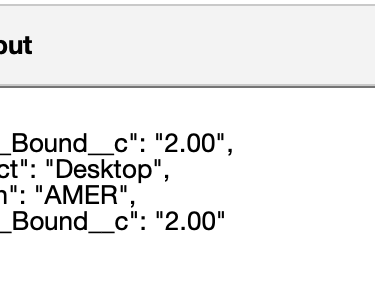
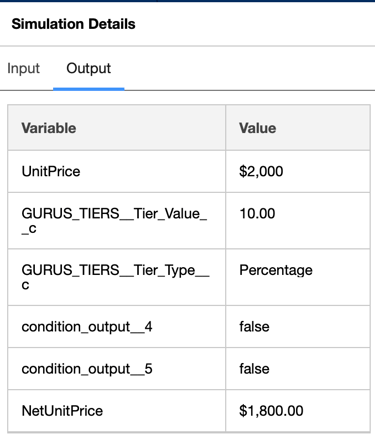
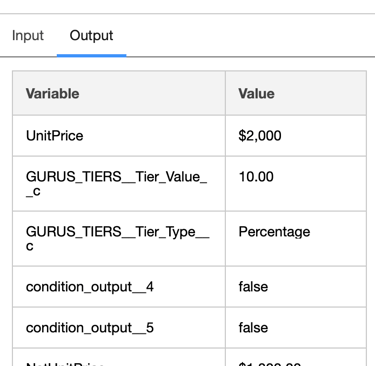
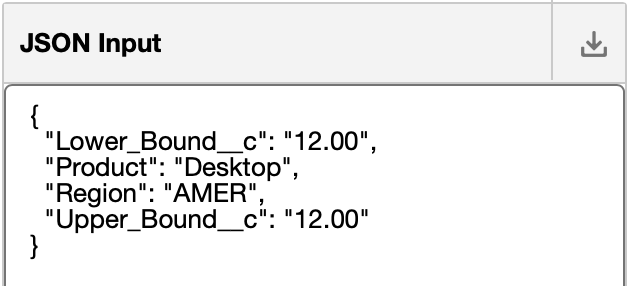
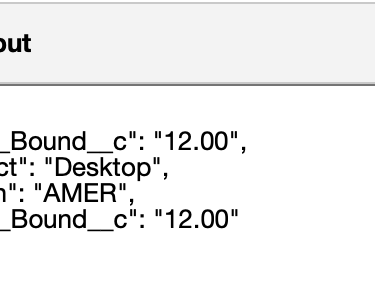
Scenario 1: Percentage Tier – Use the following input JSON to simulate the Expression Set execution and validate how the volume discount is calculated when the Tier Type is Percentage.
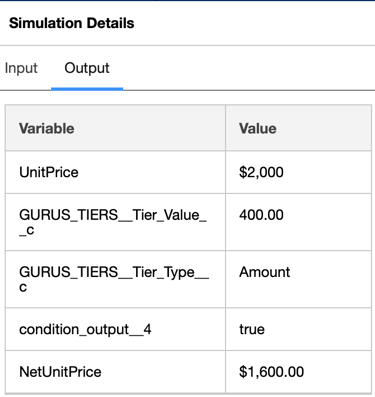
Scenario 2 : Amount Tier – Use the following input JSON to simulate the Expression Set execution and validate how the volume discount is calculated when the Tier Type is Amount.
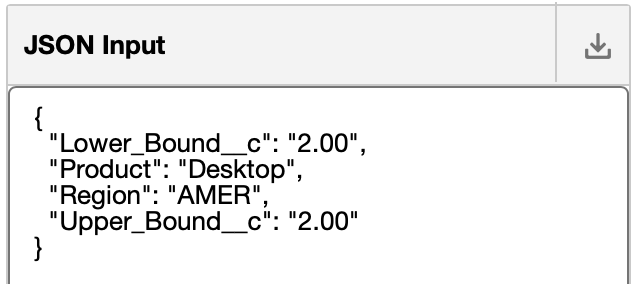
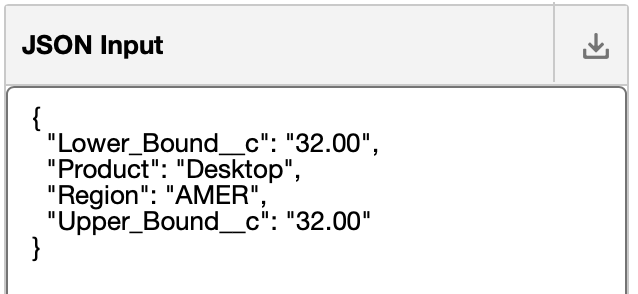
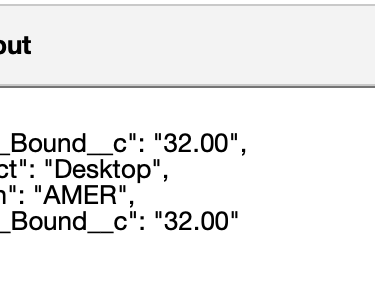
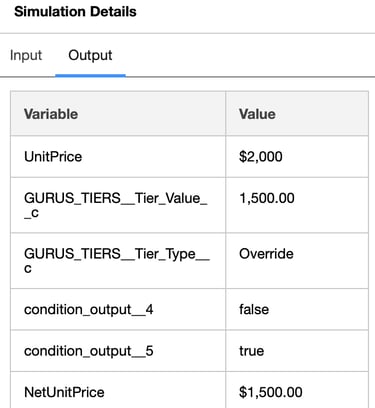
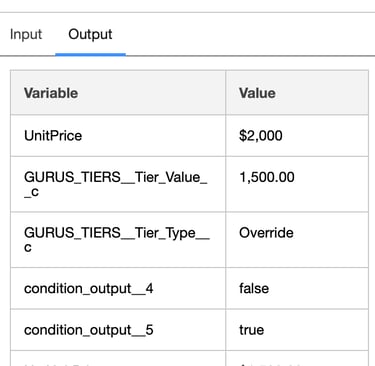
Scenario 3 : Override Tier – Use the following input JSON to simulate the Expression Set execution and validate how the volume discount is calculated when the Tier Type is Override.
Conclusion :
By walking through this end-to-end practice project, you now have a clear, practical understanding of how Salesforce Business Rules Engine brings pricing logic, discount policies, and multi-step decisioning together in a clean, declarative way. We explored how Decision Matrices, Decision Tables, and Expression Sets each play a distinct role—and how they work in unison to deliver accurate and scalable pricing outcomes. With these fundamentals in place, you can now extend the use case, add more rules, or adapt it to real project scenarios. This hands-on foundation puts you in a strong position to confidently design, troubleshoot, and optimize BRE logic in any Revenue Cloud implementation.
Support
info@cpqgurus.com
(408) 475-4180
© 2025. All rights reserved. CPQ GURUS is a specialized division of Clerisoft, Inc., dedicated to Salesforce Revenue Cloud consulting and innovation.